Skip to content
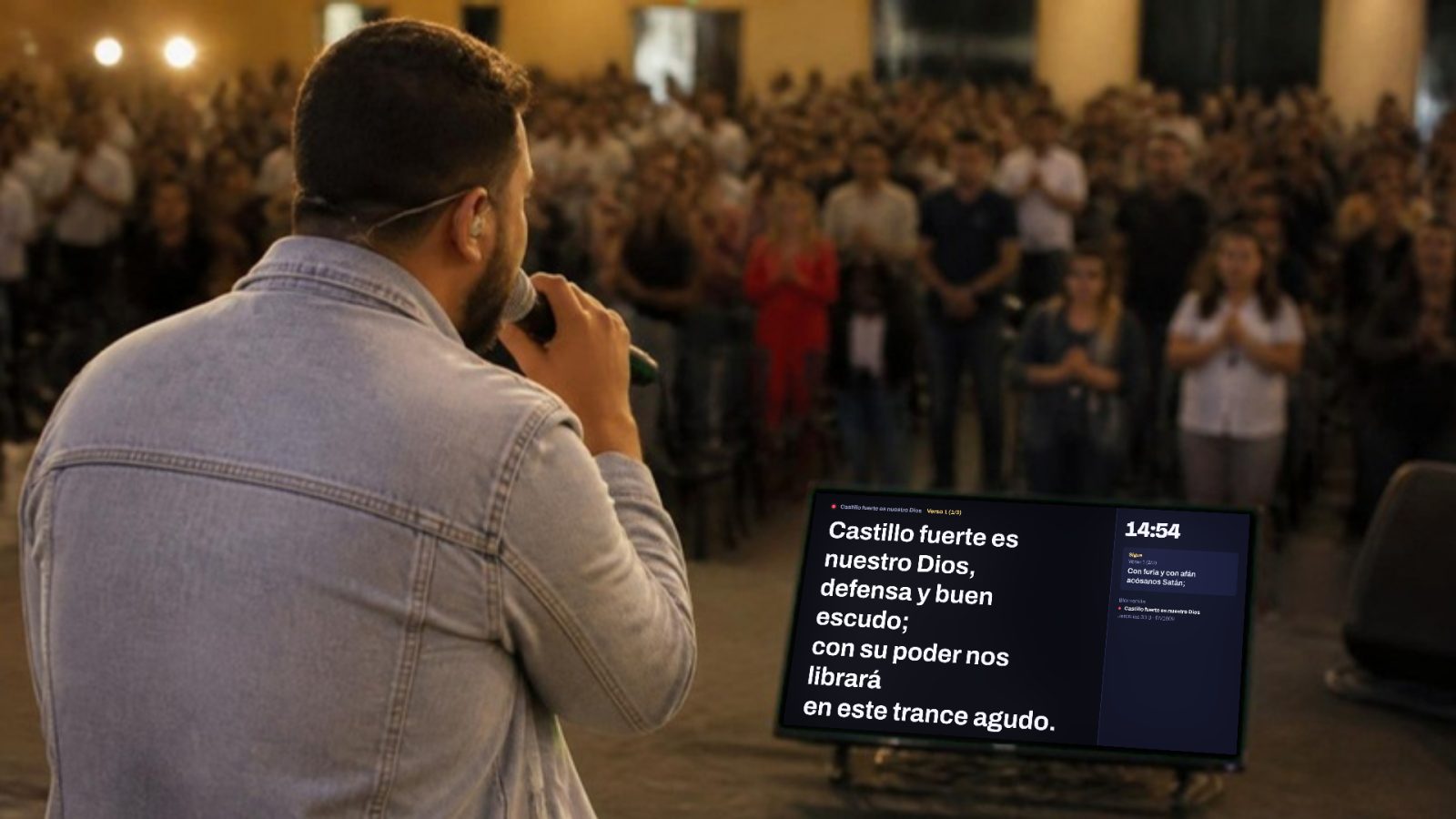
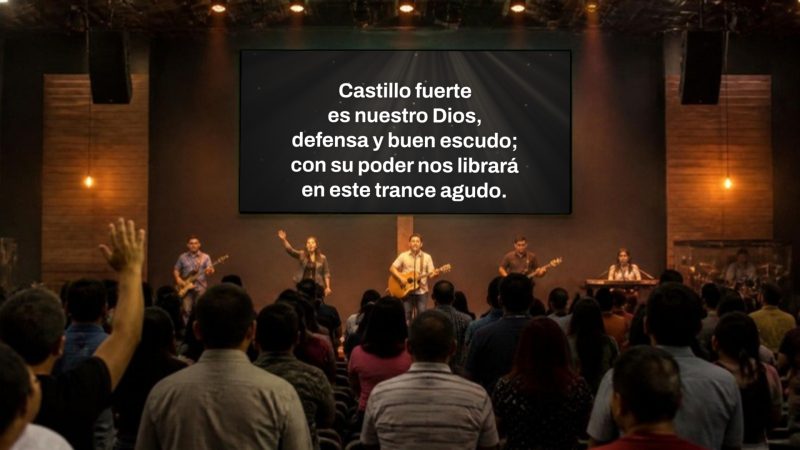
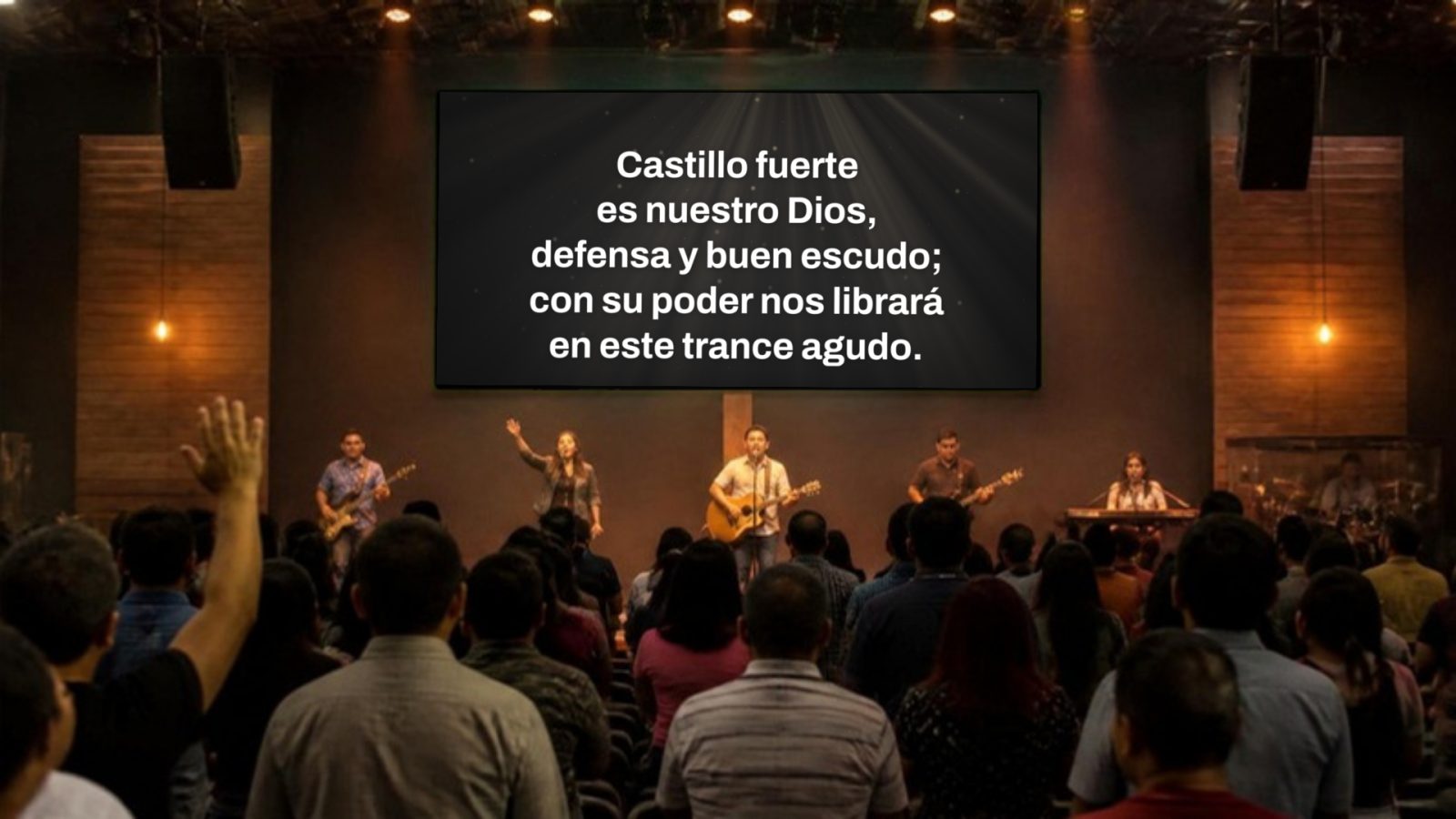
Church in the middle of worship, with the Spanish hymn “Castillo fuerte es nuestro Dios” (A Mighty Fortress Is Our God) on the screen
Free for every church

Everything your church puts on screen, in one place.

Lyrics, Bible, PowerPoint, announcements and video on the projector, the confidence monitor and the TVs. So simple that any volunteer can run it on their first Sunday.

First time? Watch the guided tour with voice

  • Free and no account required
  • Works offline
  • Windows, Mac, Linux and Chromebook
  • Español, English, Português, हिन्दी and Bahasa Indonesia

Illustrative photo made with AI. What you see on the screen is really Proyecta.

Works with
  • PowerPoint
  • PDF
  • YouVersion
  • Planning Center
  • SongSelect
  • ProPresenter
  • OpenLP
  • OBS
  • Chromecast
  • CanvaBETA

Proyecta in 30 seconds

Send it to your pastor or your media team. It’s free, so your church can start using it this Sunday.

A Sunday with Proyecta

Here's how it helps your media team, from the moment the doors open to the very last slide.

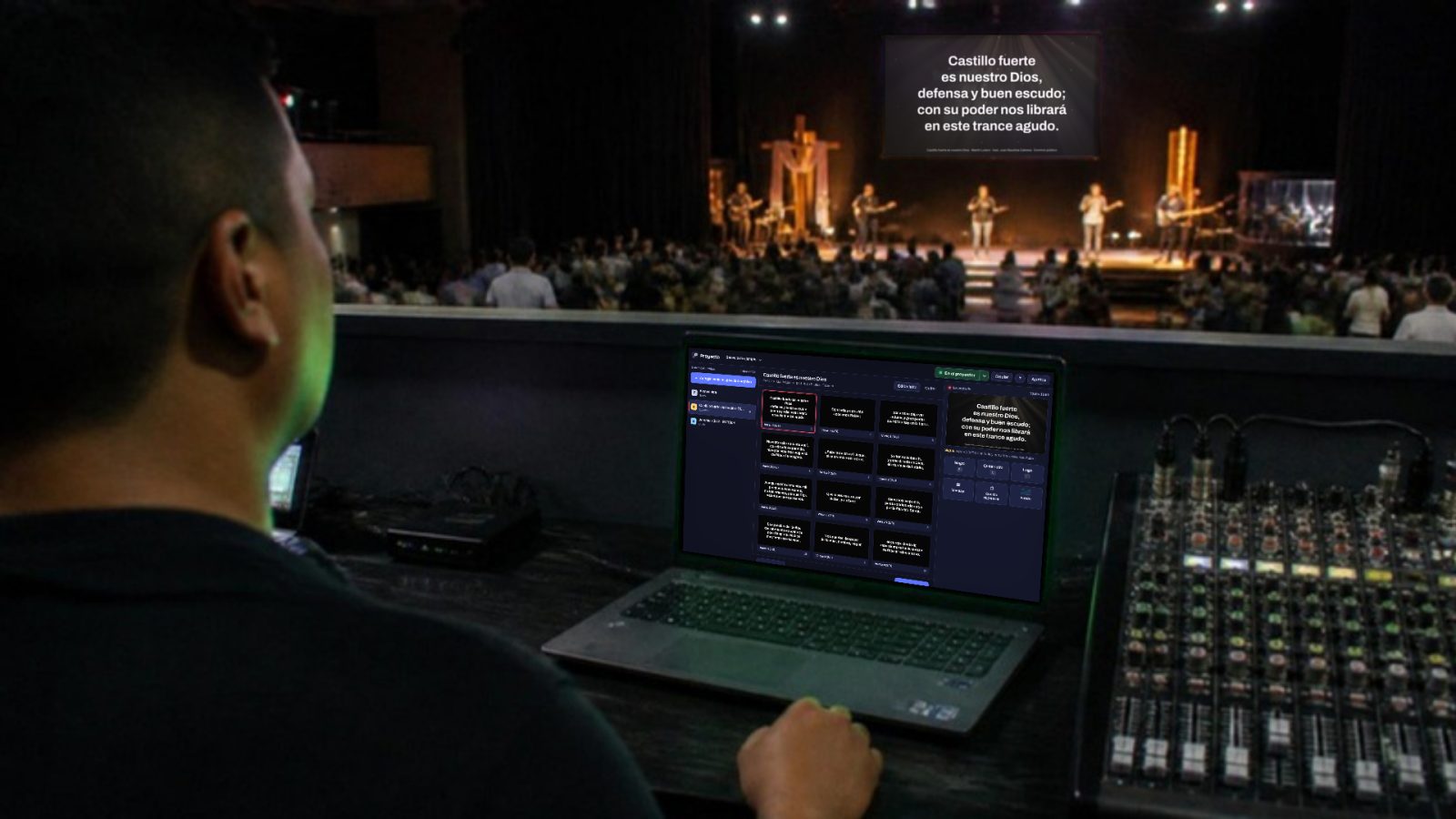
Operator in the booth with Proyecta open on a laptop and the lyrics on the stage screen

9:40 Before the service

Plug in the cable and tap “Project”

Proyecta finds the projector and the monitor and opens each one full screen. You already put the service order together during the week.

  • You choose what shows on each screen
  • Checks that everything is ready before you start
  • Countdown, logo or announcements while people arrive
Worship leader singing in front of a floor monitor on stage that shows the lyrics and what comes next

10:00 Worship

Clear lyrics, and the musicians see what's next

Paste the lyrics, even with chords, and Proyecta splits them up for you in the order you say: V1 C V2 C. The confidence monitor shows the current lyrics, the next ones and the time.

  • Imports from SongSelect, ProPresenter, FreeShow and OpenLP
  • Moving backgrounds with depth, from formal to neon
  • Credits and CCLI license number on every song
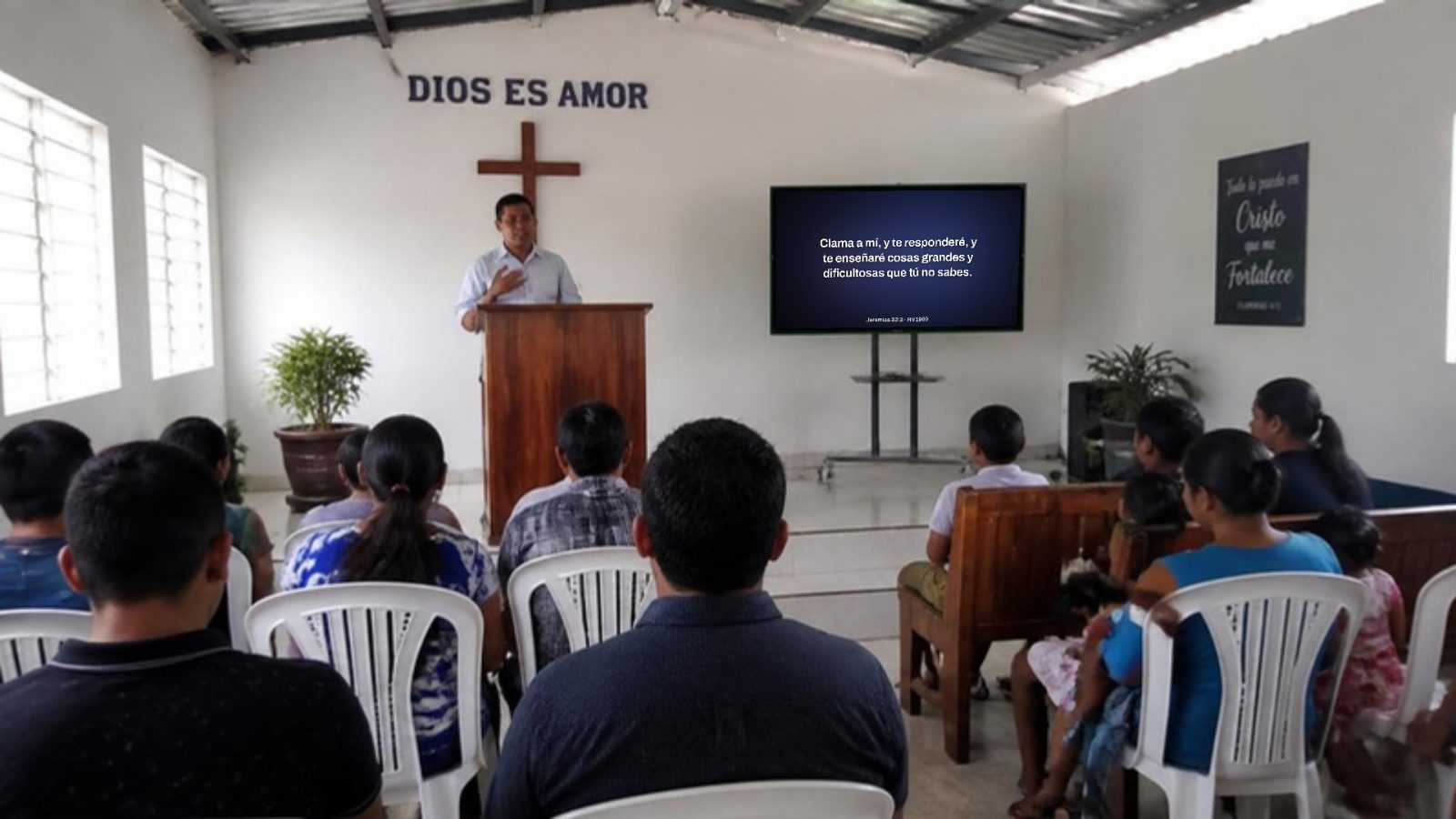
Small church with a TV next to the pulpit showing Jeremiah 33:3

10:40 Scripture reading

Type “Jn 3:16” and you're done

Comes with free English Bibles (BSB, KJV and WEB) that work offline, with search by reference or by keyword. Works just as well with a big projector as with a TV in a small church.

  • Licensed versions through YouVersion
  • Paste a passage from Logos and it's laid out on slides
  • Free Bibles in Spanish, Portuguese, Hindi and Indonesian too
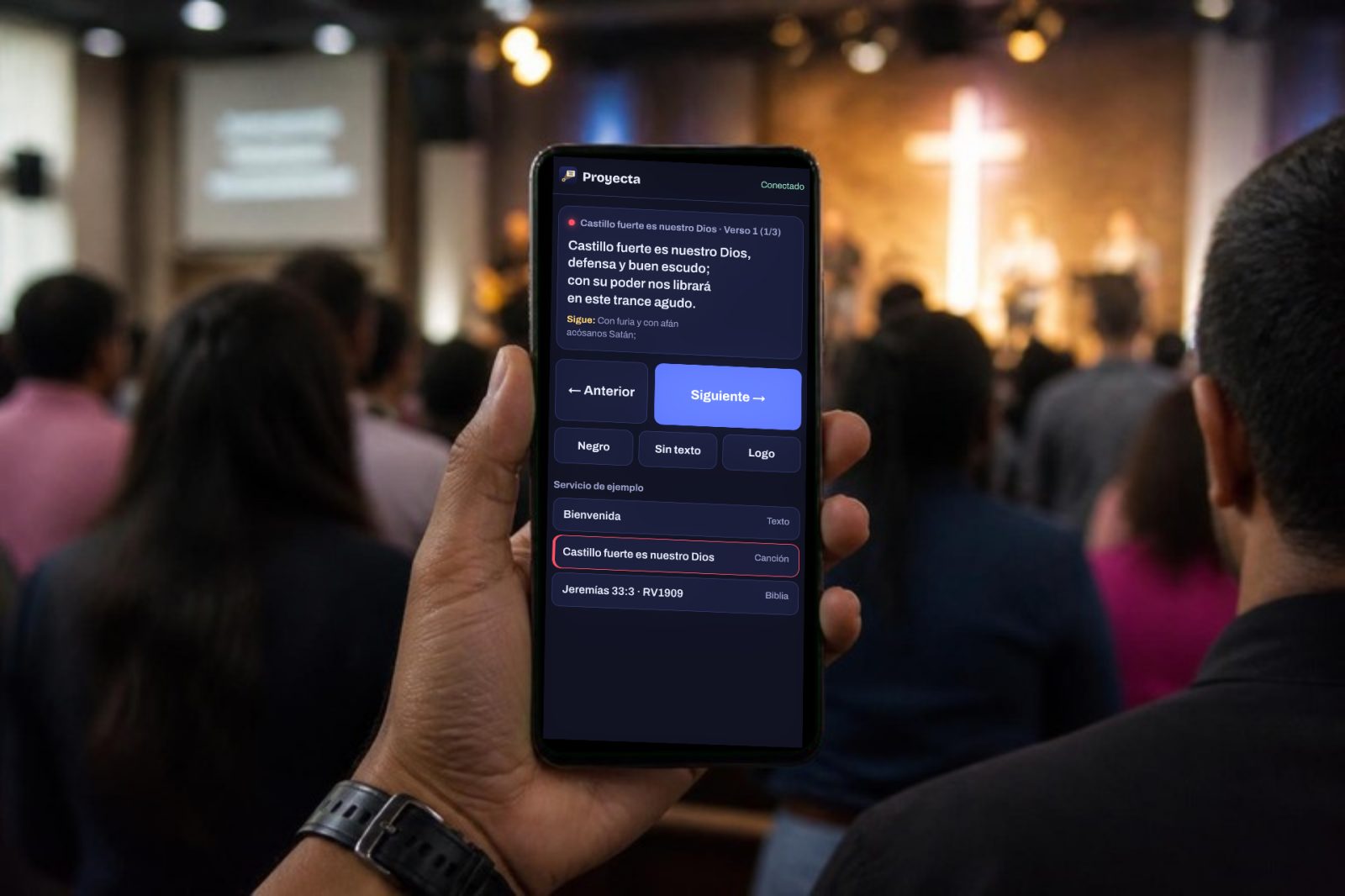
Hand holding a phone with the Proyecta remote during the service

10:50 Sermon

Your PowerPoint, straight in and run from your phone

Drag in your .pptx and all its slides come in, no need to save it as a PDF. The preacher advances from their phone and sees their notes on the confidence monitor.

  • PowerPoint, PDF and HTML presentations with animations
  • Works with any presentation clicker
  • Sermon timer that warns you at the last minute
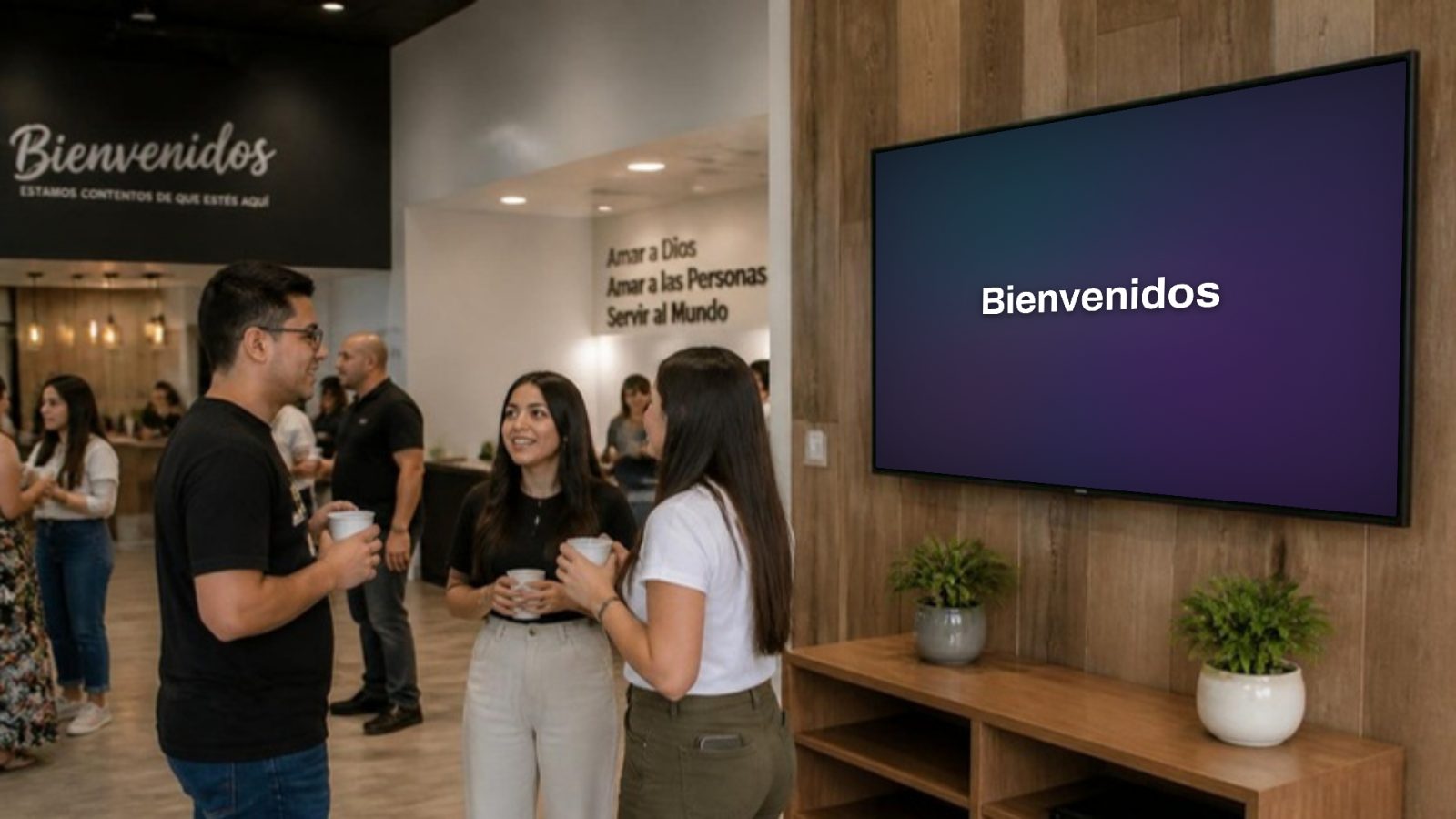
Church lobby with a TV on the wall that says “Bienvenidos” (Welcome)

11:30 Announcements

On every screen, no cables

The lobby TVs show the same thing over the internet, the livestream gets the lyrics on a transparent background for OBS, and the congregation can follow along on their phones.

  • Announcements that play on their own and are saved for next Sunday
  • Drag in images, a PDF, a PowerPoint or the Canva .zip
  • Notices from the kids' area without interrupting anything

The photos are illustrative and were made with AI. What appears on each screen is a real screenshot of Proyecta.

Backgrounds that move, with depth

More than 30 moving backgrounds made to sit behind the lyrics: dark where the text goes and lit around the edges. They aren't videos, so they're lightweight and look sharp on any projector.

  • Deep and formal
  • Minimalist
  • Modern
  • Neon
  • For worship
  • For celebration
  • Christmas, Communion and baptisms
  • Slow or fast
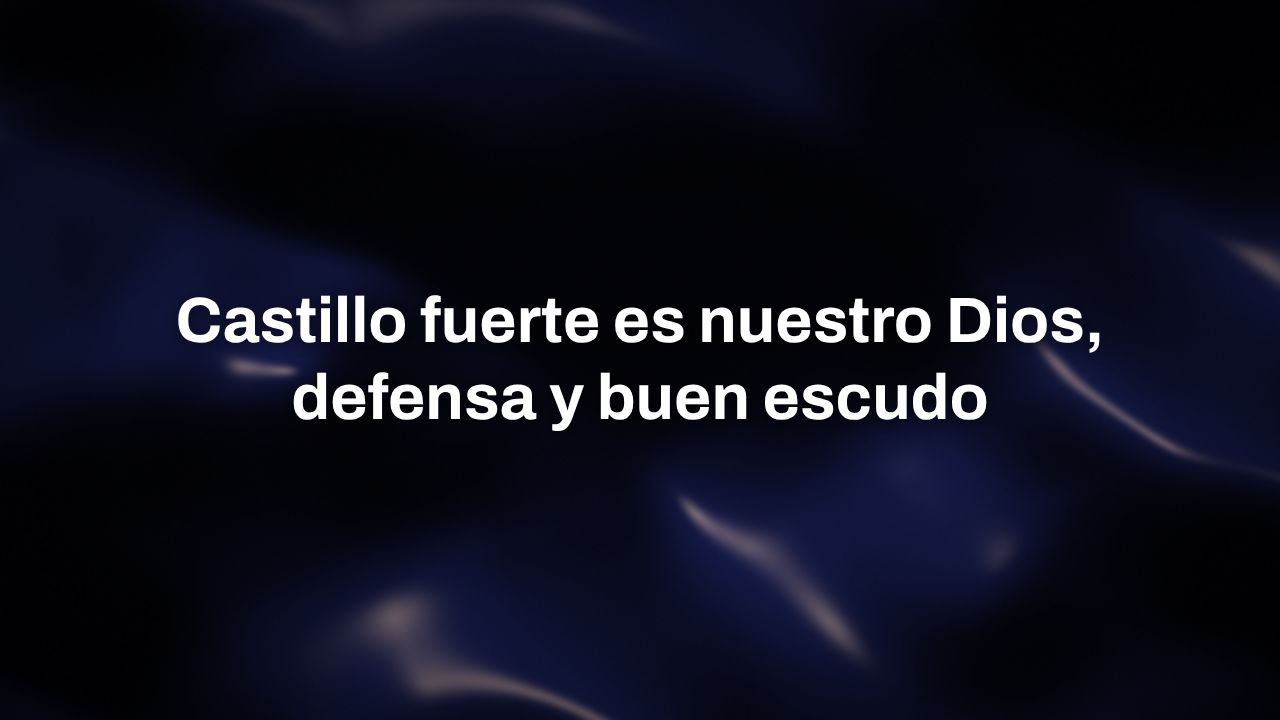
Silk background with lyrics on top
Silk · Formal
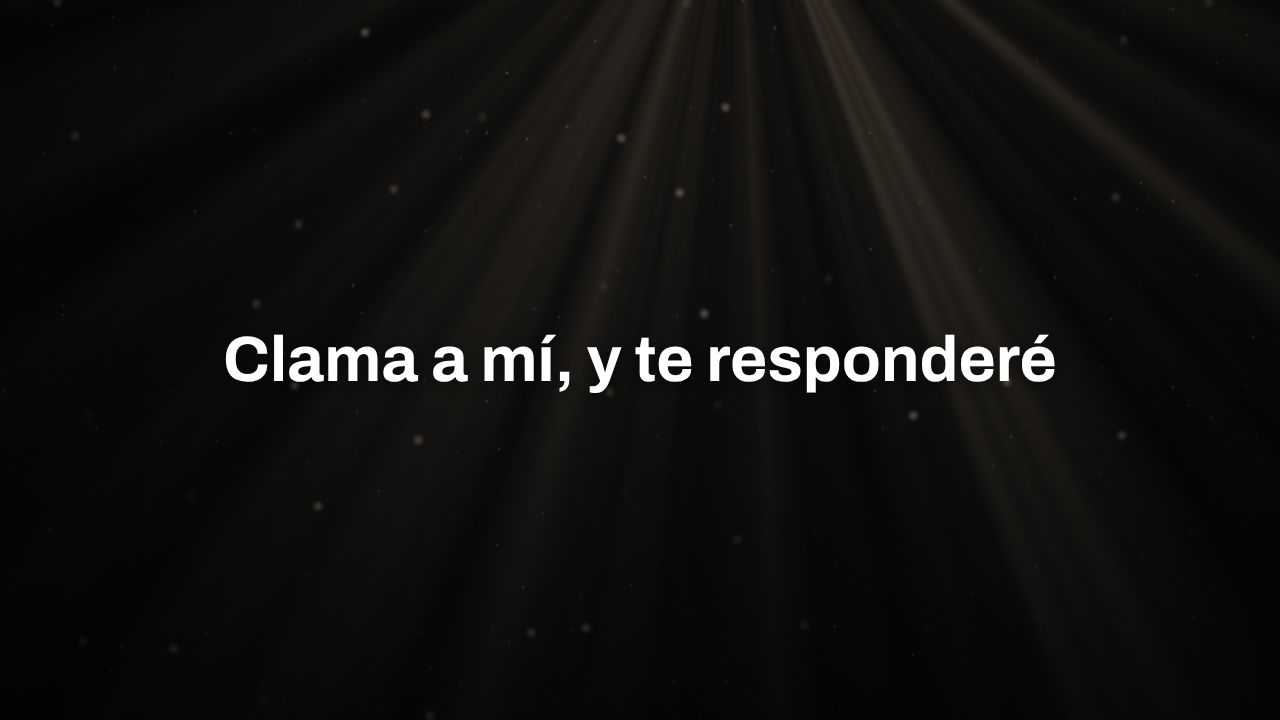
Rays of Light background with a verse on top
Rays of light · Reading and prayer
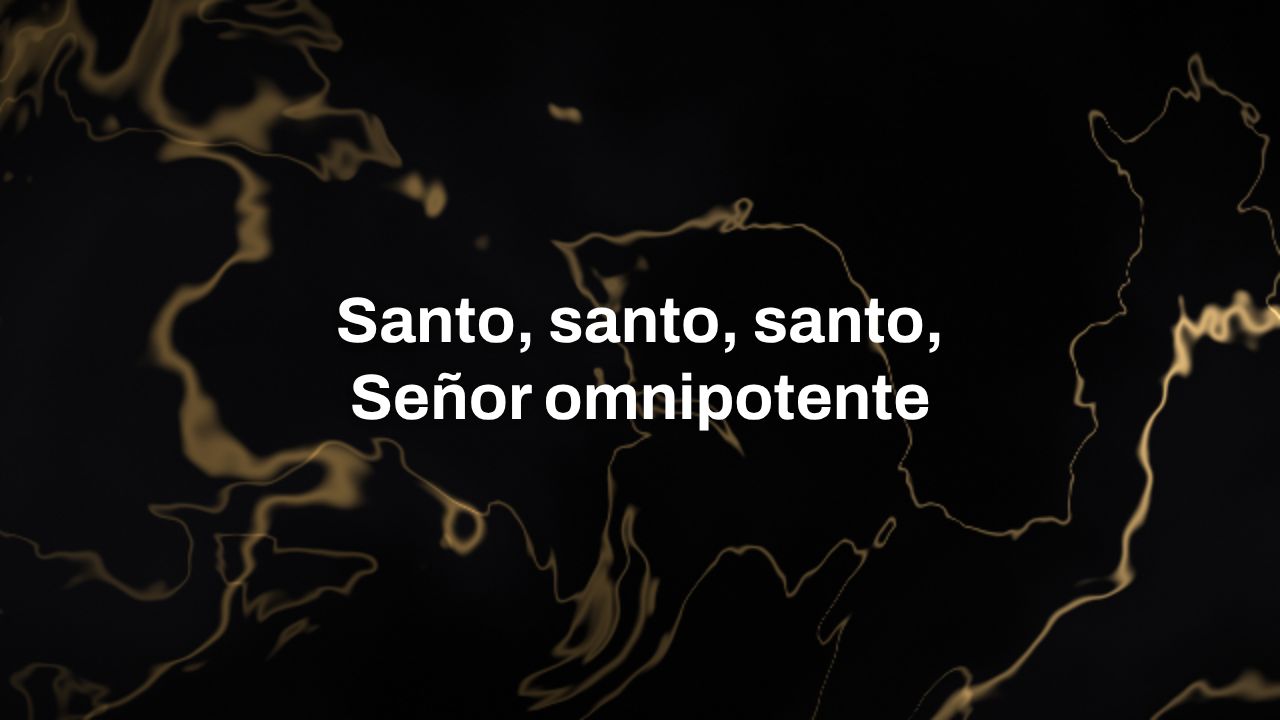
Marble and Gold background with lyrics on top
Marble and gold · Hymns
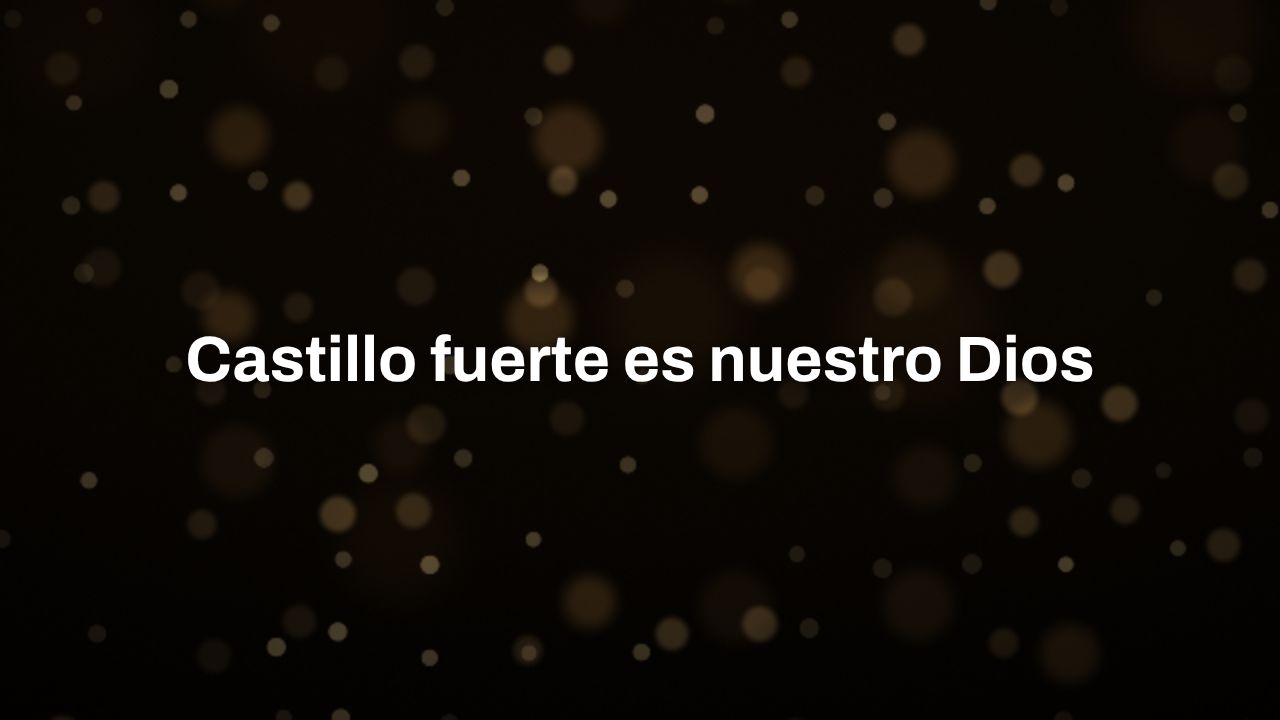
Golden Lights background with lyrics on top
Golden lights · Worship
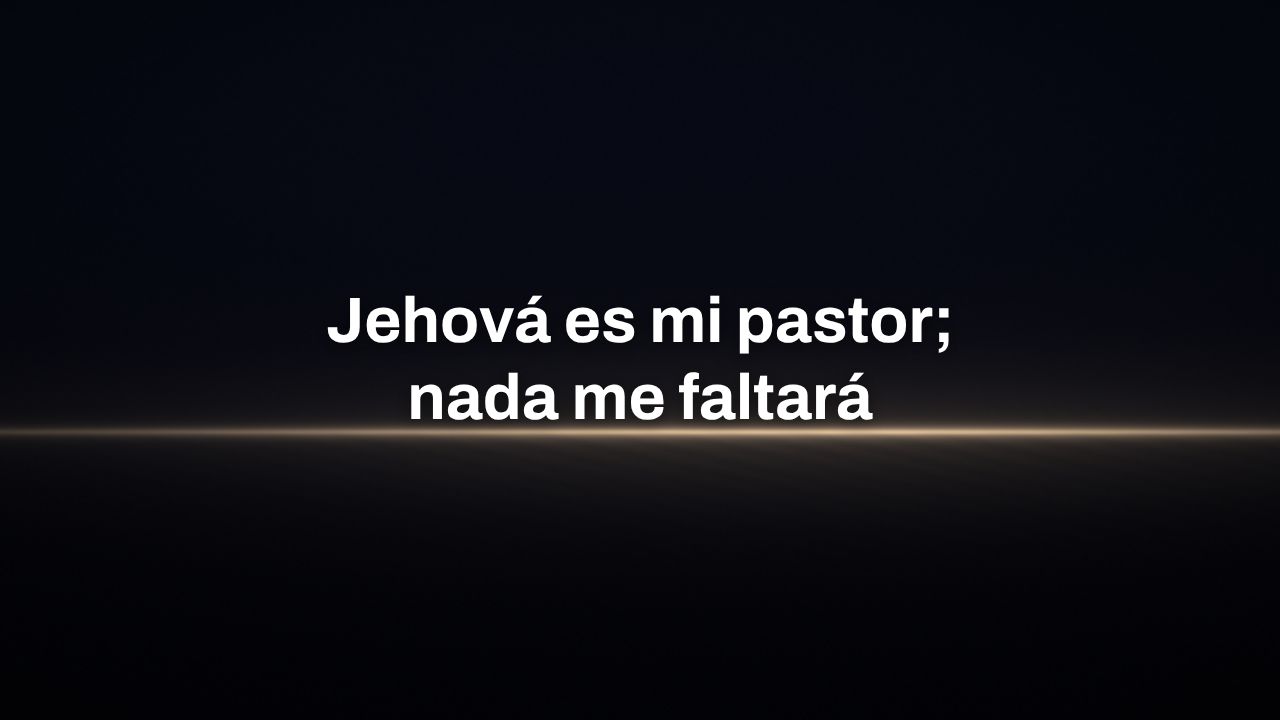
Horizon background, minimalist, with a verse on top
Horizon · Minimalist
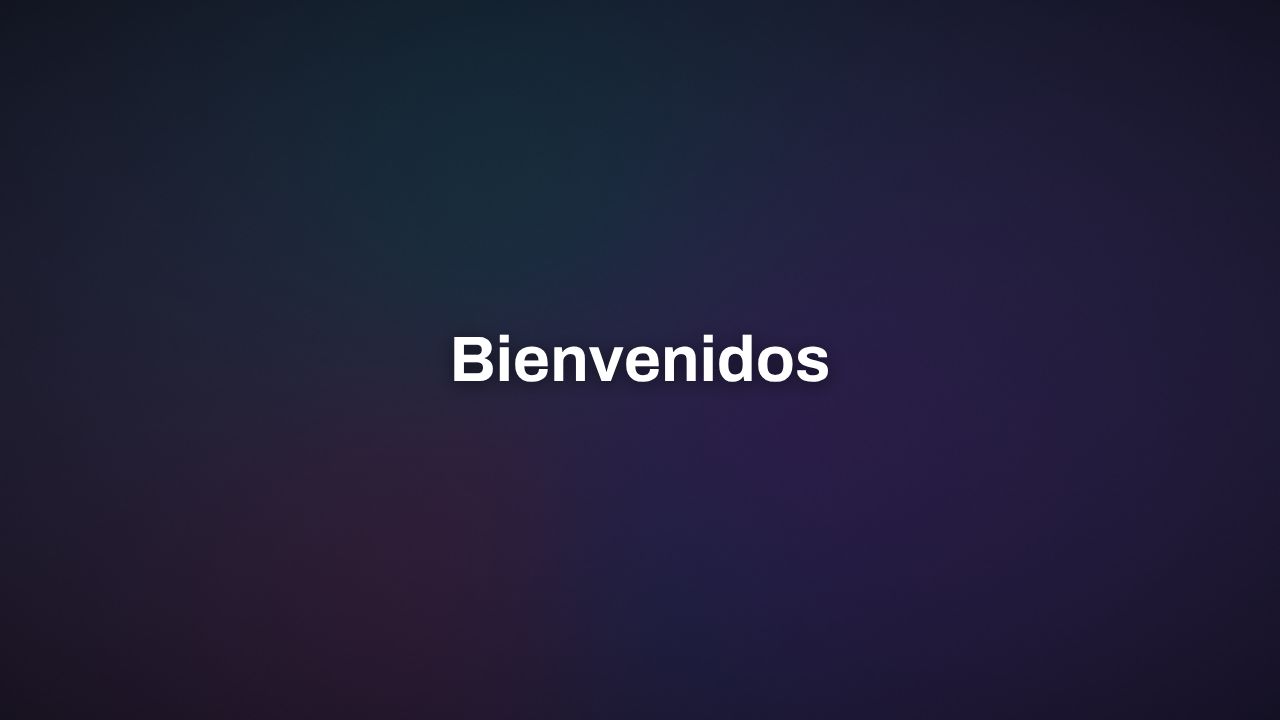
Vivid Gradient background with the word “Bienvenidos” (Welcome)
Vivid gradient · Modern
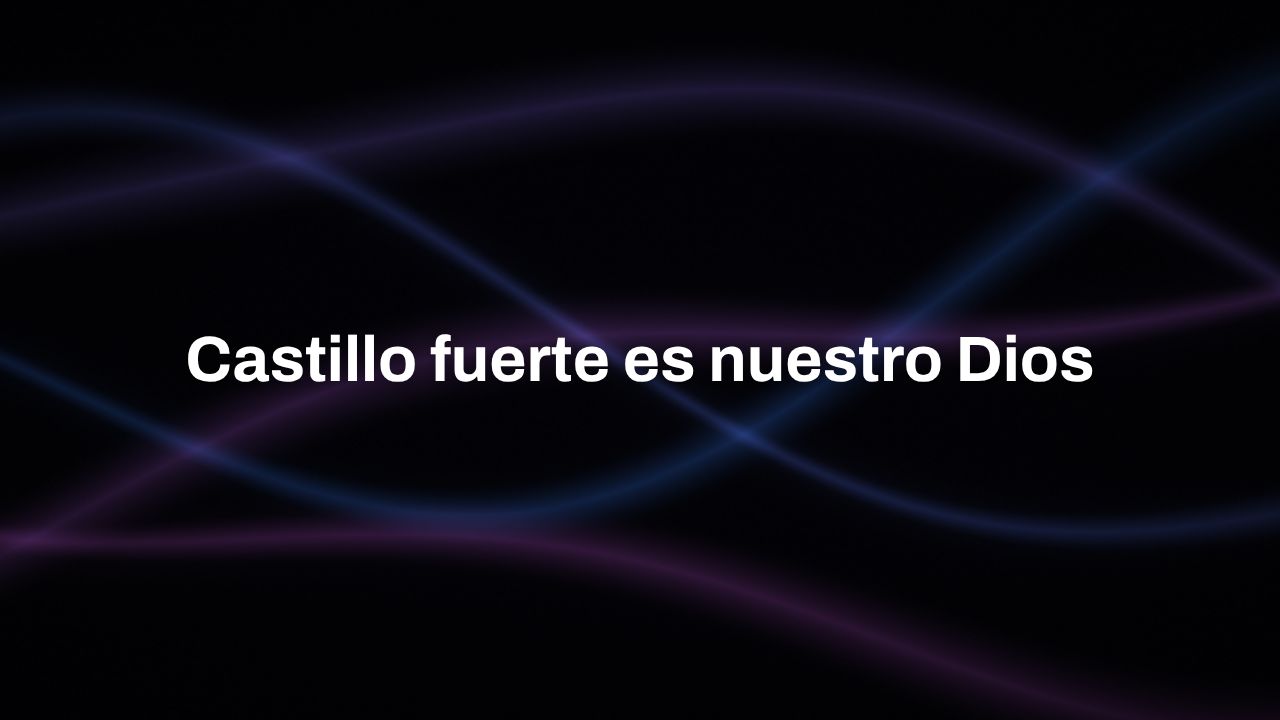
Ribbons of Light background with lyrics on top
Ribbons of light · Modern
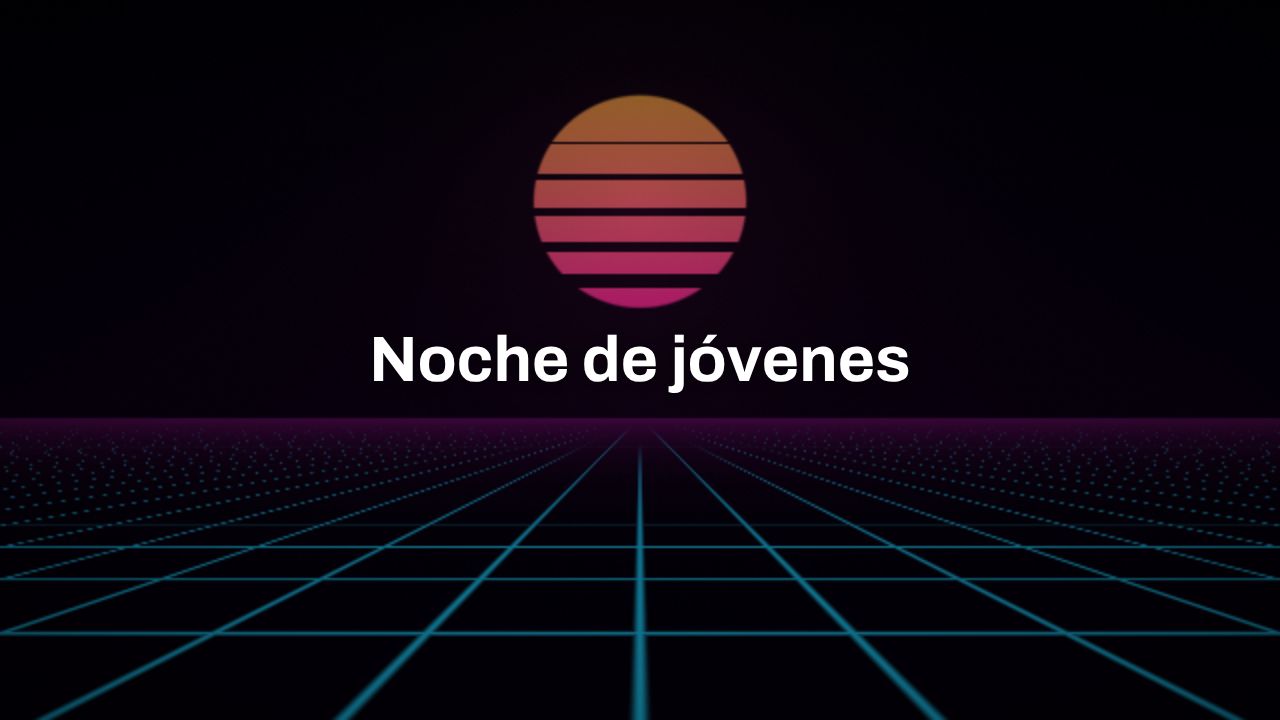
Neon Sunset background with the text “Noche de jóvenes” (Youth Night)
Neon sunset · Youth

Everything Proyecta does

Everything is included. There's no paid version and no features to unlock.

Songs
  • Paste the lyrics and they split up on their own, even with chords
  • Song order (V1 C V2 C) and chorus detection
  • Imports from SongSelect, ProPresenter 6, FreeShow, OpenLP and ChordPro
  • Credits, license number and a usage list for your CCLI report
  • Catalog of public-domain hymns to search and add (in English, for now)
  • More than 30 moving backgrounds, at whatever speed you like, or your own photos and videos
Bible
  • Quick verse: whatever the preacher asks for, full screen in a second
  • BSB, KJV and WEB in English, plus free Bibles in Spanish, Portuguese, Hindi and Indonesian
  • Licensed versions through YouVersion, in the app's language
  • Search by reference or by keyword and switch versions with one click
  • Paste a passage from Logos or another app and it's laid out on slides
Presentations
  • PowerPoint (.pptx) straight in, with its notes on the confidence monitor
  • HTML presentations: slide list, next-slide preview and timers
  • PDF, for Keynote, Google Slides or anything else
  • Images and video, saved on your computer
Announcements and notices
  • Announcements that play on their own and are saved for next Sunday
  • Drag in images, a PDF, a PowerPoint or the Canva .zip
  • Countdown before you start
  • Messages over the projection, like the ones from the kids' area
Screens
  • Finds the connected screens and you choose what shows on each one
  • Confidence monitor with what's next, notes and sermon timer
  • TVs by code, Chromecast and a transparent layer for OBS
  • Lyrics for the live stream: at the bottom, with a transparent background or green for your switcher
  • Lyrics on the congregation's phones
For the team
  • Control from your phone or with any presentation clicker
  • Prepare the service at home and send it over WhatsApp
  • “Check that everything is ready” before you start
  • Sign in to Planning Center and bring in the plan with its lyrics and order
Canva

Connect your Canva account BETA — pick a design, add it to the service, edit it in Canva and update it with one click. It already works in testing; we're waiting for Canva to approve it so any church can connect its account. In the meantime, download your design as PNG or PDF and drag it into Proyecta.

Coming soon for everyone

The operator sees everything. The congregation sees only the projection.

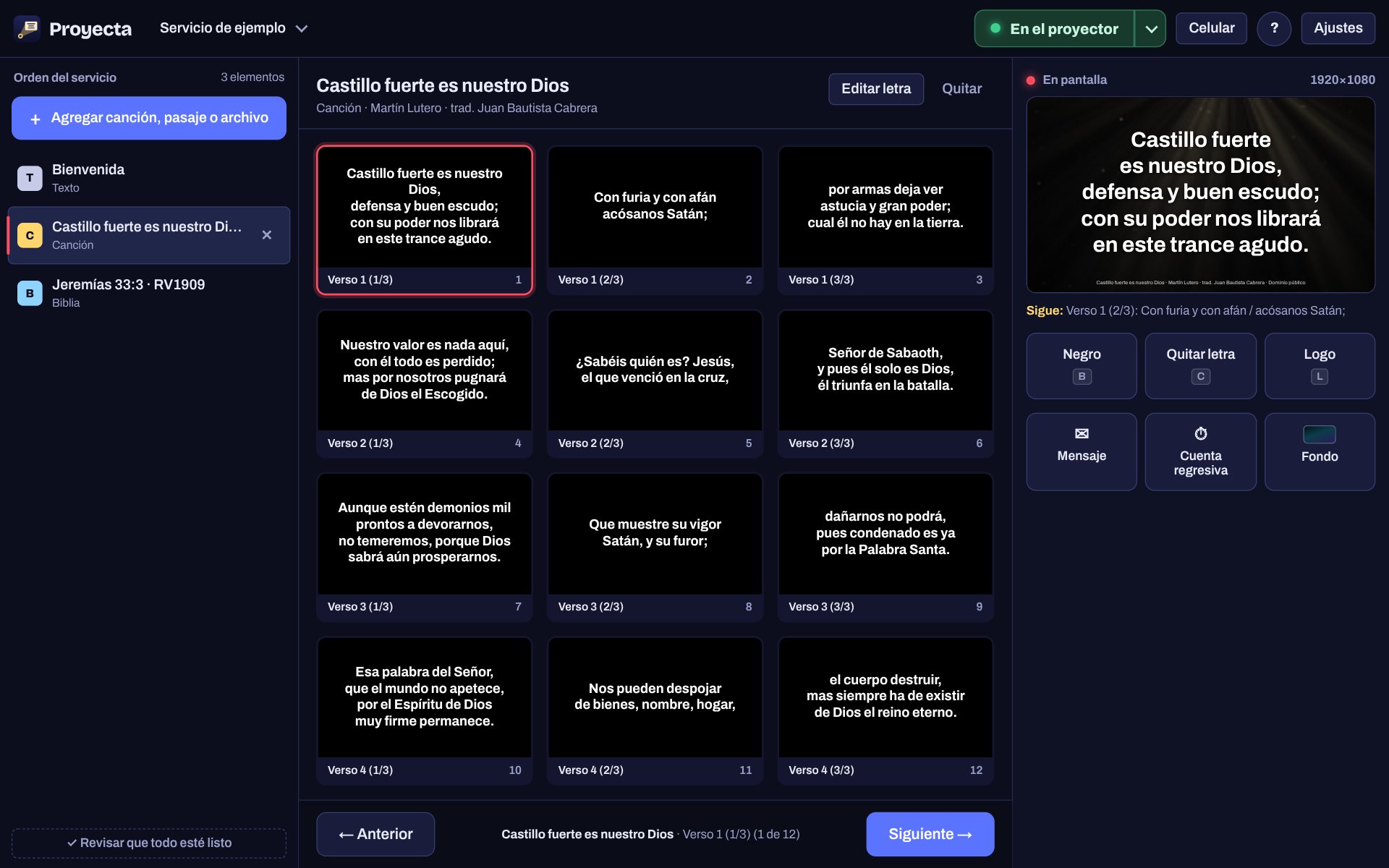
On the left, the service order; in the middle, the slides; on the right, what's on screen. Each connected screen can be the projection, a confidence monitor or stay off.

Proyecta operator panel with the service order, the slides of a song and a preview of what's being projected
The operator panel during worship.
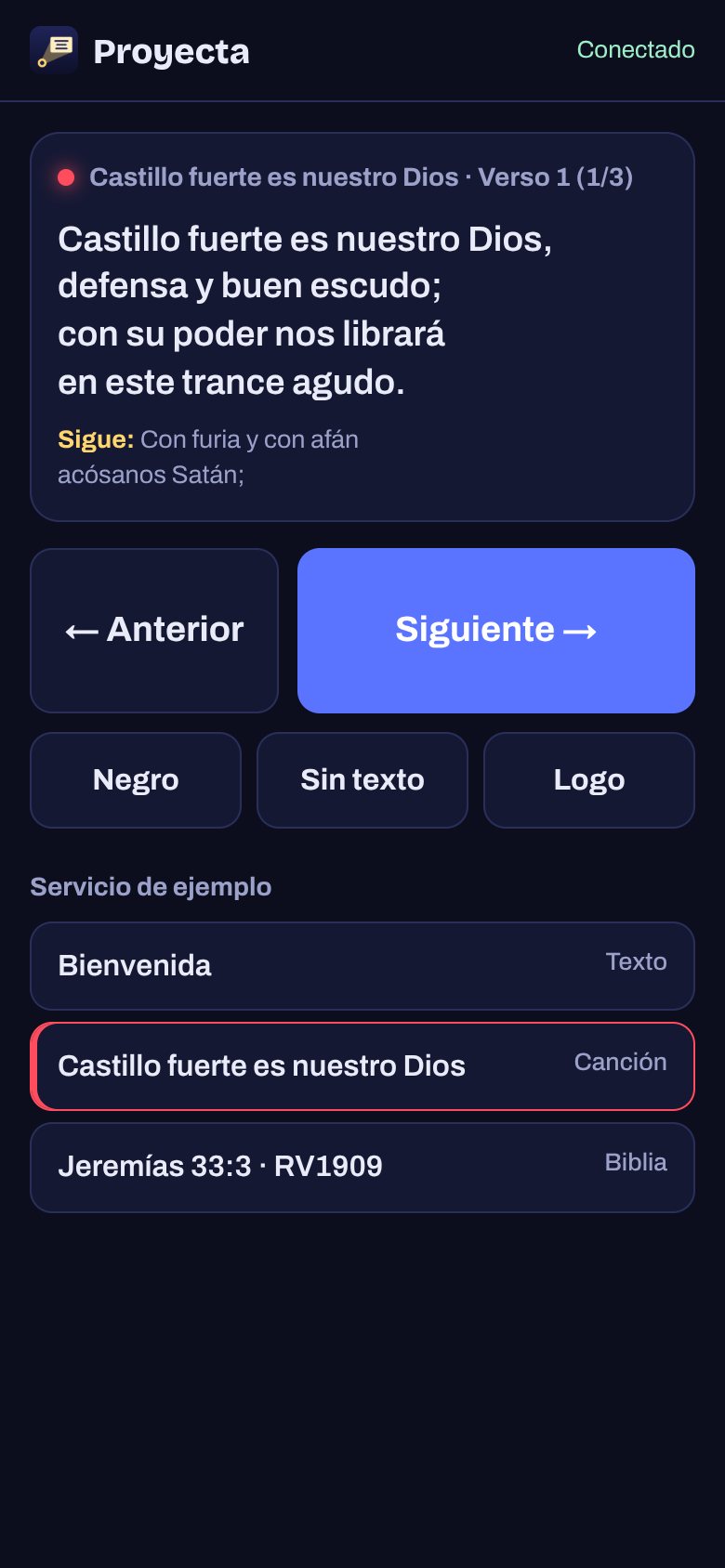
Proyecta phone remote showing the lyrics on screen and the buttons to advance
The remote on your phone.
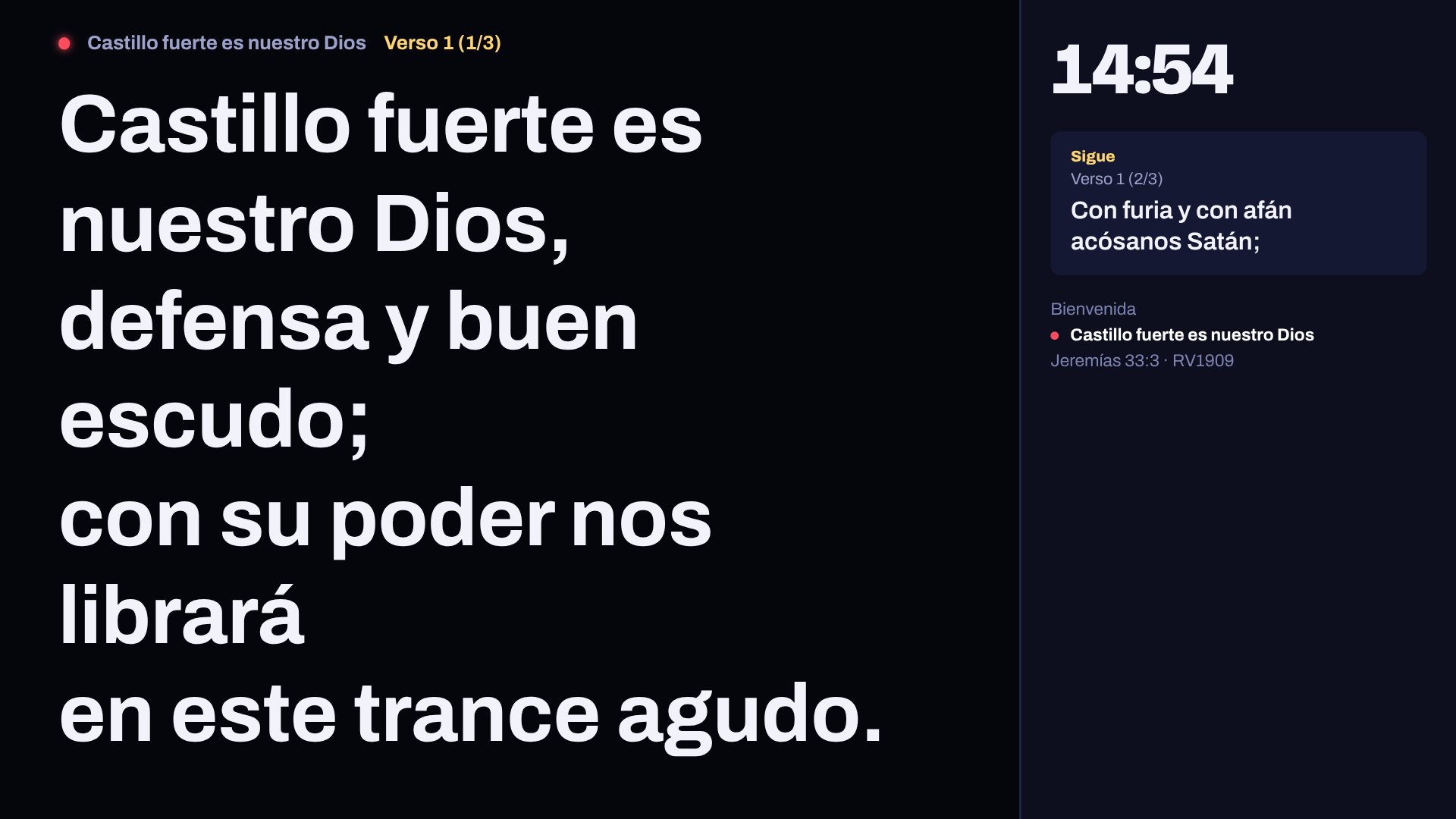
Proyecta confidence monitor with the current lyrics, what's next, the time and the service order

A confidence monitor for musicians and for the preacher

On a stage monitor or a tablet: the lyrics on screen, what's next, the time, the service order, your PowerPoint notes and a sermon timer that turns yellow when there are 5 minutes left. From the panel you can send a note that only they see.

Install it on your computer in a minute

No installers to download and no accounts to create. It installs from the browser and works like any other program, with its own icon.

  1. Open Proyecta in Chrome or Edge

    Go to this page on the computer that's connected to the projector and click “Open Proyecta”.

  2. Click “Install”

    In Proyecta tap the Settings gear and then "Install Proyecta" (a button also appears in the address bar). It stays on your desktop and in your apps.

  3. Use it offline

    From then on it works without a connection. When a new version comes out, Proyecta lets you know and updates with one click.

What you need: a Windows, Mac, Linux or Chromebook computer, an up-to-date Chrome or Edge browser, and the projector connected in “Extend” display mode. If you only have one screen, use “Project here” and control it from your phone.

Using a Mac? Use Chrome or Edge. It also works in Safari, but Safari can't see the connected screens: you'd have to drag the window to the projector by hand and couldn't use the automatic confidence monitor.

Questions people ask us

Getting started

How much does it cost?

Nothing. No paid version, no ads, no accounts. Proyecta is open source: anyone can use it, review it and improve it.

Do I need internet?

Only to open it the first time and install it. After that, everything connected by cable (projector, stage display) works offline, even if the router loses power. Wireless features do need internet: the phone as a remote, TVs by code, lyrics on the congregation's phones and the OBS layer. If a phone can't connect on mobile data, put it on the same Wi-Fi as the computer.

Does it work on a Mac?

Yes. On a Mac, open Proyecta in Chrome or Edge and it works just like on Windows: it finds the projector and the monitor and puts each one in full screen. It also works in Safari, but Safari can't see the connected screens, so you'd have to drag the window to the projector by hand. Proyecta lets you know if you open it in Safari.

Where are my songs and files saved?

On your own computer, inside the browser. Nothing is uploaded to the internet. To send a service to another computer, go to Services and tap “Share”: you get a file you can send by WhatsApp or email, with songs, passages and images included. To move your whole library, use “Export backup” in Settings.

If you clear the browser's data, what you saved is erased too, so make a backup every now and then.

Songs and Bible

Can I use any song?

You can type or import any lyrics you like. But almost all worship songs are copyrighted, and to project them your church needs a license (CCLI's, for example). That's why Proyecta doesn't include copyrighted lyrics: it comes with public-domain hymns and lets you enter your license number, which appears with the credits on the first and last slide of each song.

Your church not charging anything doesn't change this: copyright protects lyrics even when there's no profit, and handing out lyrics inside a program would be copying them without permission. In English, Proyecta comes with a catalog of 270 public-domain hymns you can search and add.

Can I bring my songs from another program?

Yes. Proyecta imports SongSelect (.txt and .usr), ProPresenter 6 (.pro6), FreeShow (.show), OpenLyrics (.xml, the OpenLP format), ChordPro and plain text. If you paste lyrics with chords, it removes them for you. You can pick many files at once.

Does it connect to Planning Center?

Yes. In Settings → Connections you sign in with your Planning Center account, just once. Then, from the order of service, you choose Sunday's plan: Proyecta brings in the songs with their lyrics and order (V1 C V2), uses the ones you already have and recognizes readings like "John 3:16". If your team changes the plan, one button updates it.

Which Bibles does it include?

In English: the Berean Standard Bible (BSB), the King James Version (KJV) and the World English Bible (WEB). They're free, download with one click and work offline. There are free Bibles in Spanish, Portuguese, Hindi and Indonesian too. Proyecta also connects to YouVersion to bring in the versions YouVersion authorizes, with each publisher's permission: those are searched online, and whatever you add to the service is saved to use offline. If your version isn't there, copy it from Logos or another app and paste it: Proyecta detects the reference, the version and the verses. If your church has the file with permission (Zefania XML or JSON), you can import it too.

Why isn't the NIV, ESV or NLT there?

Because they're copyrighted, and each publisher decides who can use them. Proyecta can bring them in through YouVersion once the publisher authorizes Proyecta; in the meantime, in Add → Bible → YouVersion you'll see which ones are already authorized and which are waiting for permission. If your church has them in Logos or another app, copy the passage and paste it into Proyecta.

Presentations and announcements

What about my PowerPoint or Keynote presentations?

PowerPoint: drag in the .pptx file as is. Proyecta turns each slide into an image right there, offline, and the speaker notes show up on the confidence monitor. Animations and videos don't carry over; if your presentation depends on them, add the video separately. Keynote: its format is closed, so in Keynote use File → Export To → PowerPoint (or PDF) and add that file. Google Slides: File → Download → PowerPoint. HTML presentations are projected as they are, with their animations and steps.

How do I make an HTML presentation that Proyecta understands?

Download the presentation template, change the text and save it. It has slides with steps, a timer and notes for the preacher. With that format, Proyecta shows you the slide list, what's next and the timer. Any other HTML page can be projected too, but you advance without seeing the list.

How do I add announcements?

In Add → Announcements, drag in your images or a PDF. Choose how many seconds each one lasts and they play on their own, before and after the service. They stay saved: next Sunday you just tap “Put in the service”.

Can I use what I make in Canva?

Yes. Today, without connecting anything: in Canva, tap Share → Download. For announcements choose PNG; if the design has several pages, Canva downloads a .zip file that you drag into Proyecta as is. For a presentation choose PDF or PowerPoint.

Connecting your Canva account to bring in your designs with one click is still in beta: it's built, but Canva has to approve it and until then it doesn't work with churches' accounts. We'll let you know in the news when it's open. For now, use the download-and-drag way.

What videos does it accept?

Anything your browser can play: MP4, WebM and most MOV files. They're saved on your computer and play offline.

Screens and control

Does it work with my remote or clicker?

Yes. Presentation remotes send the arrow keys or Page Up and Page Down, and Proyecta understands them. The black-screen button works too, and the “start presentation” button no longer reloads the page by accident. B or period blacks out the screen, C clears the text and L shows the logo.

How do I send the picture to a TV without a cable?

There are three ways. If your computer already sees the TV as a second screen (Miracast on Windows with the Windows + K keys, or AirPlay on a Mac as a “separate display”), Proyecta uses it like a normal projector. With Chromecast you can use “Cast to Chromecast”. And any TV or tablet with a browser can go to the /tv address of this site, show a code and receive the projection over the internet.

Does it work for the livestream?

Yes. In Settings → Live stream you choose the background and style. For OBS, Streamlabs or vMix create the link and paste it as a browser source: the song lyrics and passages appear at the bottom, with a transparent background, over your camera. If you use a switcher like ATEM or Roland, choose "Stream" on the screen that goes to the switcher and it comes out on green for the chroma key.
Use it this Sunday

Open Proyecta, build your service and connect the projector. No sign-up, no payment and no need for internet.

Made to serve, open to improve

Proyecta is open source under the MIT license. If you know how to code, download it, look through it and help us make it better for churches everywhere.

Version 2.16, October 2026

  • Takes up less space: it keeps a single copy of the program, and Settings → Backup shows how much space it uses on your computer
  • Before and after the service, like in Proclaim: your announcements repeat by themselves while people arrive and when it ends
  • Thumbnails in the service order so you can see at a glance what each item is
  • Fixed: the countdown now sets exactly the minutes you choose
  • Every Bible in your language ready from the start: the free ones download by themselves to use without internet, and the YouVersion ones are already in the list
  • HTML presentations that build their slides with code (like the ones Claude makes) or use sections: they show up in the list with their steps and what comes next
  • Proyecta lives at proyecta.iglesiadigital.app
  • Updates install by themselves when you open Proyecta, and old copies no longer pile up on the computer
  • Cloud backup with your Digital Church account: your songs, services and settings are saved automatically and you can restore them on this or another computer
  • Connection to Banda: the pastor or a leader signs in with their account and brings in the order of the worship service with the lyrics, and updates it if it changes
  • Proyecta is now part of Digital Church, with links to Organiza and Banda, other free tools for the church
  • Lyrics for the live stream: at the bottom, on a transparent background (OBS) or green for your switcher, with a preview
  • Planning Center with sign-in: bring in the plan with lyrics and order, and update it if it changes
  • Settings organized in sections; accounts are connected in Settings → Connections
  • A button to install Proyecta as a program
  • Icons instead of words on everyday buttons (close, edit, delete, settings)
  • A 30-second video in five languages to share on WhatsApp and social media
  • Quick verse: press V, type the reference and it goes full screen without touching the service
  • Upload your own backgrounds (photos or videos) from the Background window
  • Proyecta in Bahasa Indonesia, with the AYT and TSI Bibles
  • Catalog of 270 public-domain hymns in English
  • YouVersion shows the versions in the app's language and which ones are waiting for their publisher's permission
  • Choosing a Bible: first the language, then the version, everywhere
  • A more complete translation of the program in every language
  • Proyecta in five languages: Spanish, English, Portuguese, Hindi and Indonesian. Choose it in Settings
  • Free Bibles in each language: BSB, KJV and WEB in English; Bíblia Livre and Bíblia Portuguesa Mundial in Portuguese; IRV and HCV in Hindi
  • New Learn section: guided tour with voice and guides for every feature, with search
  • 17 new backgrounds with depth: deep and formal, minimalist, modern and neon
  • Background speed: slow, normal or fast, without restarting what's on screen
  • If the computer has no graphics card, Proyecta switches to a simpler background on its own
  • In Safari or Firefox, Proyecta recommends Chrome or Edge for using several screens
  • PowerPoint straight in: drag in your .pptx and all its slides come in, offline
  • PowerPoint speaker notes show up on the confidence monitor
  • Several screens at once: projection, confidence monitor or off on each one
  • Announcements that are saved and play on their own; takes images, PDF, PowerPoint and the Canva .zip

See all features